 3T Consults and Coaching
DICOM to HL7
Images and reports arriving as DICOM become the HL7 messages your RIS and EHR expect.
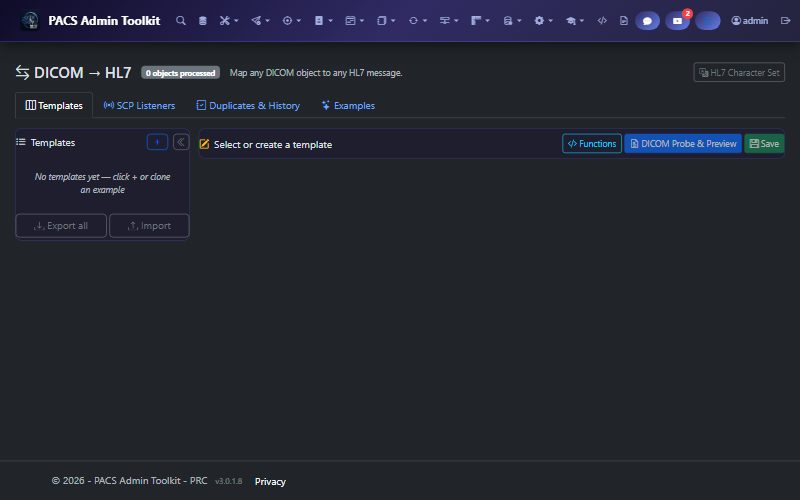
A DICOM listener that turns received objects into HL7 messages: report text to ORU, temporary orders for walk-in studies, or any message your systems need. Templates, filters and duplicate holds decide what is sent, and every study can be reprocessed or edited and resent.
The challenge
Some of the most useful information in radiology only exists as DICOM: a reporting system that stores its reports as SR, a walk-in study that reached the PACS before the RIS had an order, a modality that knows a study is complete. The RIS and EHR only understand HL7.
Bridging the two usually means a custom script or an interface engine channel that someone built years ago and nobody wants to touch. When a message is wrong or missing, there is no record of which study produced it or why.
What it does
A DICOM listener for HL7
Modalities, the PACS or a router send objects to an AE title and port; the sender gets its C-STORE success as soon as the object is handled.
Templates with filter rules
Each template sets the message type, event and version and its destinations; filter rules (modality, SOP class, any tag) decide which objects it applies to, first match wins.
Map anything
Source a field from a DICOM tag, a sequence path, an SR content item, the report body, a static value or a dynamic value, with transforms; MSH and PID / OBR / PV1 can fill themselves.
Report text as OBX lines
Repeating segments put report text one line per OBX, with headings such as FINDINGS and IMPRESSION, and hard-wrapped text can be joined back into paragraphs.
One message per study
Duplicate detection (default Study Instance UID for 180 days, or accession, or per image) and study sampling keep later images from creating more messages.
Different fields per receiver
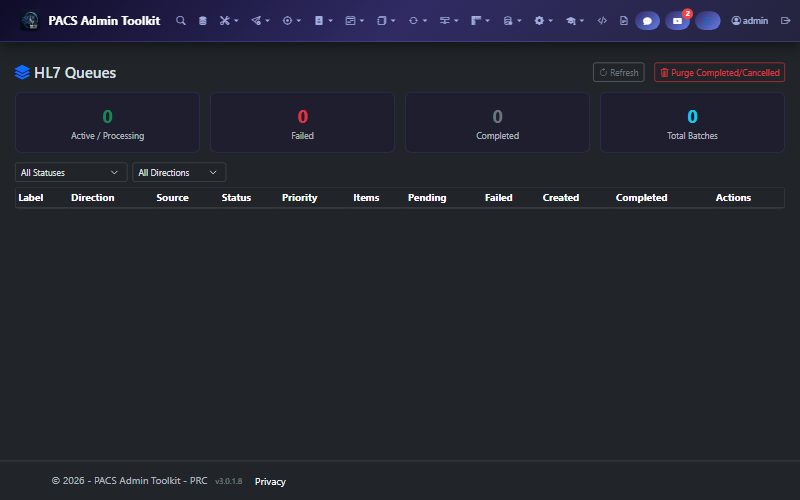
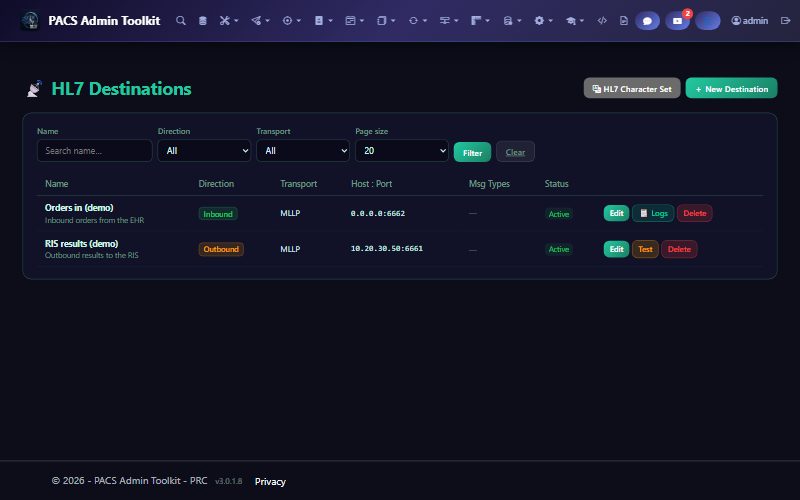
With two or more destinations, a destination can have its own profile of mappings and gets its own queue item.
Preview before you send
DICOM Probe and Preview builds the message from a sample, an uploaded file or a local study; listeners can store messages without queueing them for a dry run.
Fix and resend
Duplicates and History shows every study; Reprocess, Edit and send (change a value or hand-edit the HL7) or clear a duplicate hold from there.
How it works
- Object arrives. A modality or PACS sends a DICOM object to a DICOM to HL7 listener.
- Sampled and matched. Optional study sampling keeps the best instance; the first template whose filters pass is chosen.
- Duplicate check. A study already processed within the window is held, not sent again.
- Message built. Field mappings and transforms build one message per destination.
- Queued and delivered. The HL7 queue sends each message over MLLP and checks the ACK.
Use cases
Reporting system that stores reports as SR
Challenge. A reporting system writes its final reports into the PACS as DICOM SR; the RIS needs them as ORU^R01 and staff copy text across by hand.
With PATK. A template filtered to modality SR builds ORU^R01 with one OBX per report line and FINDINGS and IMPRESSION headings, sent to the RIS with retries.
Outcome. Reports reach the RIS without copy and paste, and each one can be traced back to the study that produced it.
Imaging centre with walk-in patients
Challenge. Walk-in studies reach the PACS before the RIS has an order, so they sit unmatched until someone creates one.
With PATK. A template builds ORM^O01 from the study, once per accession thanks to a 30-day duplicate hold on accession number and study sampling that prefers a real acquisition over secondary captures.
Outcome. A temporary order exists as soon as the images do, and the manual order-creation queue shrinks to the exceptions.
One study, RIS and billing
Challenge. The RIS wants the accession in OBR-3; the billing system wants it in ORC-2 with a different MSH-5.
With PATK. Both destinations are picked on one template; the billing destination gets its own mapping profile and its MSH-5 comes from its own settings.
Outcome. One feed, two correctly shaped messages, and a billing outage never delays the RIS.
Trust · Truth · Transform
Trust
Listeners accept only the SOP classes you allow; duplicate holds stop repeat messages; the raw DICOM is kept so any study can be rebuilt and resent.
Truth
Every study shows whether it was sent, held as a duplicate, unmatched or in error, with the message built and the live listener log.
Transform
Order creation and report copying become automatic, and a template change replaces a script rewrite.
Value model
An example multi-site imaging group producing HL7 from DICOM for reports and walk-in orders.
| Assumption | Example value |
|---|---|
| Walk-in or unordered studies per year needing an order created by hand | 8,000 |
| Staff time saved per order | 3 minutes |
| Reports stored as SR that are copied into the RIS by hand today | 12,000 |
| Staff time saved per report | 2 minutes |
| Blended staff cost per hour | $45 |
| Avoided custom interface build, spread over 3 years | $5,000 per year |
| Estimated yearly value | $41,000 |
Illustrative only: every assumption is shown so you can replace it with your own numbers. Your results will differ.
Why it stands out
- Made for DICOM. It reads SR content items, sequences and report text natively, which a general interface engine needs custom code for.
- Traceable by study. Each message links to the study, template and destination that produced it; scripts rarely keep that record.
- Safe to change. Probe and Preview and dry-run listeners show the message before anything is queued.
- Same platform. Delivery uses the HL7 Messaging queue and destinations, with one login and one audit trail.
At a glance
| Standards | DICOM C-STORE and C-ECHO in; HL7 v2 over MLLP out, with ACK checking |
|---|---|
| Sources | DICOM tags, sequence paths, SR content items, report body, static and dynamic values |
| Controls | Filter rules, template order, duplicate key and window, study sampling, accepted SOP classes |
| Tools | DICOM Probe and Preview, example templates, Edit and send, Reprocess, template import / export |
| Housekeeping | History-row retention, raw DICOM retention with a disk high-water mark, keep one image per study |
Screenshots
More in Reports & Results
SR Measurements to HL7
Ultrasound, echo and DEXA measurements flow into results, PowerScribe and PDFs, not retyped.
Report to SR
Put the report in the PACS beside its images, from HL7 feeds or historic report files.
SR Sync
Find the structured reports that never arrived, and move them where they belong, on a timetable.
PDF to Secondary Capture
Encapsulated PDFs in, viewable DICOM images out, sent on to the PACS without a click.
Study Sharing
Share stored studies with patients, referring doctors and sites, and record every look.
Not a medical device. PACS Admin Toolkit is not FDA-cleared or CE-marked and is not intended for primary diagnosis. It manages imaging and reporting data and workflows around the clinical systems that do.
Other product and company names may be trademarks of their respective owners. Screenshots show sample data. Value models are illustrative estimates, not guarantees.